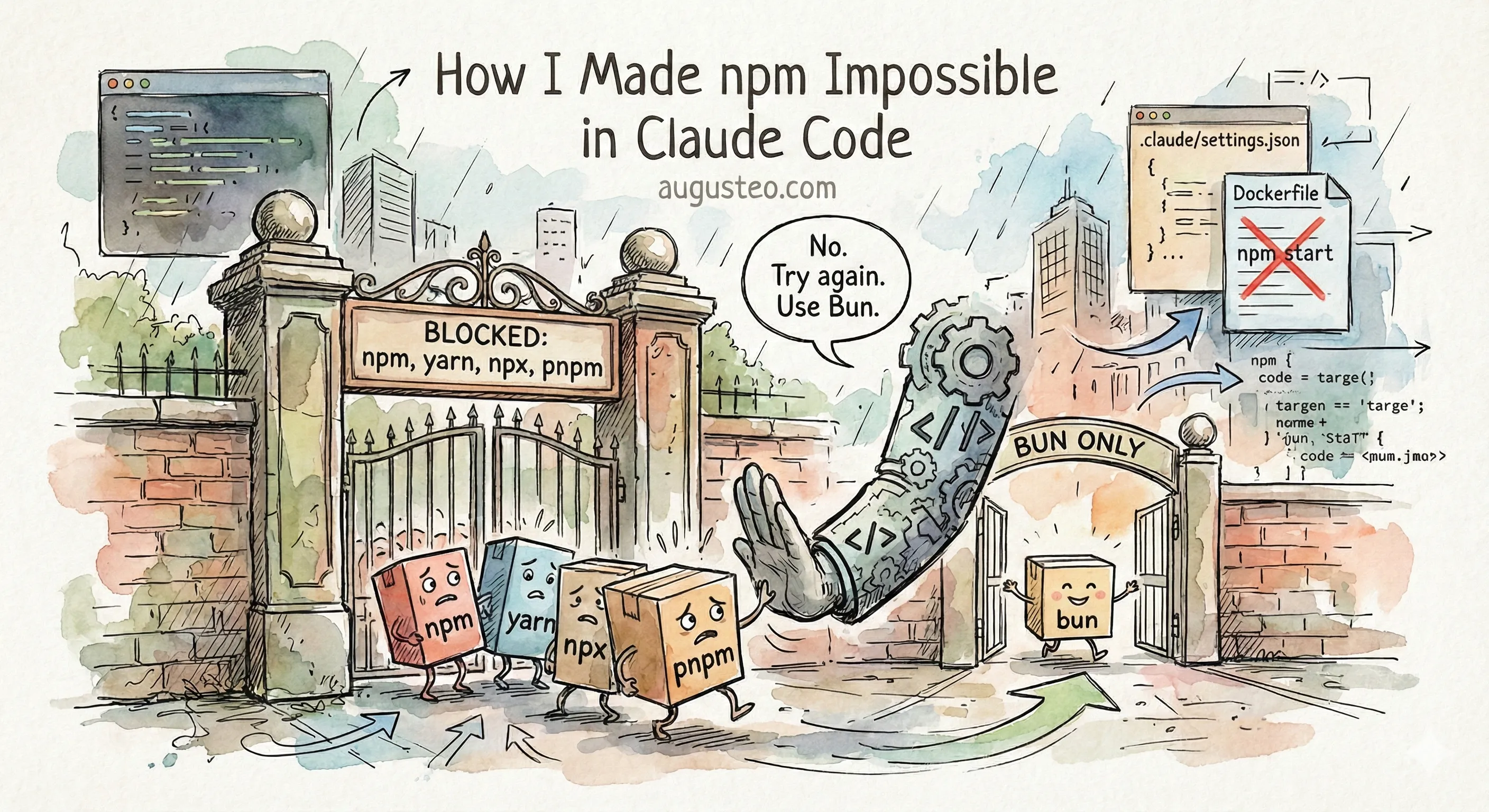
Last week Claude ignored my CLAUDE.md instructions and switched to npm in a Bun project. My advice was “stay engaged” and “check the diffs.”
That’s still good advice. But I found a better solution: make it impossible.
What Are Hooks?
Claude Code has a feature called hooks. They’re shell commands that run automatically at specific points in Claude’s workflow.
PreToolUse is the one we care about. It runs before Claude executes any tool. If your hook script exits with code 2, the action is blocked. Claude sees your error message and has to find another approach.
Think of it as a bouncer. Claude says “I want to run npm install.” The hook checks the command, sees “npm,” and says “No. Try again.”
You configure hooks in .claude/settings.json in your project.
Hook 1: Block npm Commands
This one-liner intercepts every Bash command and blocks anything containing npm, yarn, npx, or pnpm:
{
  "hooks": {
    "PreToolUse": [
      {
        "matcher": "Bash",
        "hooks": [
          {
            "type": "command",
            "command": "jq -r '.tool_input.command // \"\"' | grep -qE '\\b(npm|yarn|npx|pnpm)\\b' && echo 'BLOCKED: This project uses Bun. Use bun instead of npm/yarn/npx/pnpm.' >&2 && exit 2 || exit 0"
          }
        ]
      }
    ]
  }
}
How it works:
jqextracts the command from Claude’s inputgrepchecks for forbidden package managers (word boundaries prevent false matches like “pnpmrc”)- If found: print error to stderr, exit 2 (block)
- If not: exit 0 (allow)
When Claude tries to run npm install, it sees:
BLOCKED: This project uses Bun. Use bun instead of npm/yarn/npx/pnpm.Then it retries with bun install. No human intervention needed.
Hook 2: Block npm in Dockerfiles
The first hook catches terminal commands. But my original incident was Claude editing a Dockerfile to use npm run start, a Write operation, not a Bash command.
So we need a second hook that intercepts file writes:
{
  "hooks": {
    "PreToolUse": [
      {
        "matcher": "Write|Edit",
        "hooks": [
          {
            "type": "command",
            "command": "$CLAUDE_PROJECT_DIR/.claude/hooks/block-npm-in-files.sh"
          }
        ]
      }
    ]
  }
}
The script (.claude/hooks/block-npm-in-files.sh):
#!/bin/bash
set -e

input=$(cat)
file_path=$(echo "$input" | jq -r '.tool_input.file_path // ""')
content=$(echo "$input" | jq -r '.tool_input.content // .tool_input.new_string // ""')

# Only check files where package manager references matter
case "$file_path" in
  *Dockerfile*|*docker-compose*.yml|*.github/workflows/*.yml)
    if echo "$content" | grep -qE '\b(npm|yarn|npx|pnpm)\b'; then
      echo "BLOCKED: You're writing npm/yarn references to $file_path." >&2
      echo "This project uses Bun. Find a Bun-native solution." >&2
      exit 2
    fi
    ;;
esac

exit 0
Make it executable with chmod +x .claude/hooks/block-npm-in-files.sh.
Now if Claude tries to write CMD ["npm", "run", "start"] to a Dockerfile, it gets blocked. It has to find a Bun-native solution (like CMD ["bun", "run", "start"]).
The Difference
CLAUDE.md is guidance. Claude can ignore it under pressure, especially during long debugging sessions where the immediate problem overshadows standing rules.
Hooks are guardrails. They’re deterministic. Every time Claude tries to use npm, it gets blocked. No exceptions. No “I know you said Bun but this would be faster.”
The pattern works for any project convention:
- Block
rm -rfcommands - Require tests to pass before commits
- Prevent modifications to sensitive files
- Enforce directory structure
Check the official hooks documentation for more examples.
Does It Work?
I tested these hooks in a fresh Claude Code session. Eight test cases:
| Test | Result |
|---|---|
npm install | Blocked |
yarn add lodash | Blocked |
npx create-react-app | Blocked |
bun install | Works |
Read .pnpmrc file | No false positive |
Write npm start to Dockerfile | Blocked |
Write bun start to Dockerfile | Works |
Write console.log('npm') to .js file | Works (not a config file) |
All eight passed. The hooks block what they should block and allow what they should allow.
You can find the test setup on GitHub if you want to try it yourself.
I’m still watching Claude work. But now I’m not watching for npm. That problem is solved.