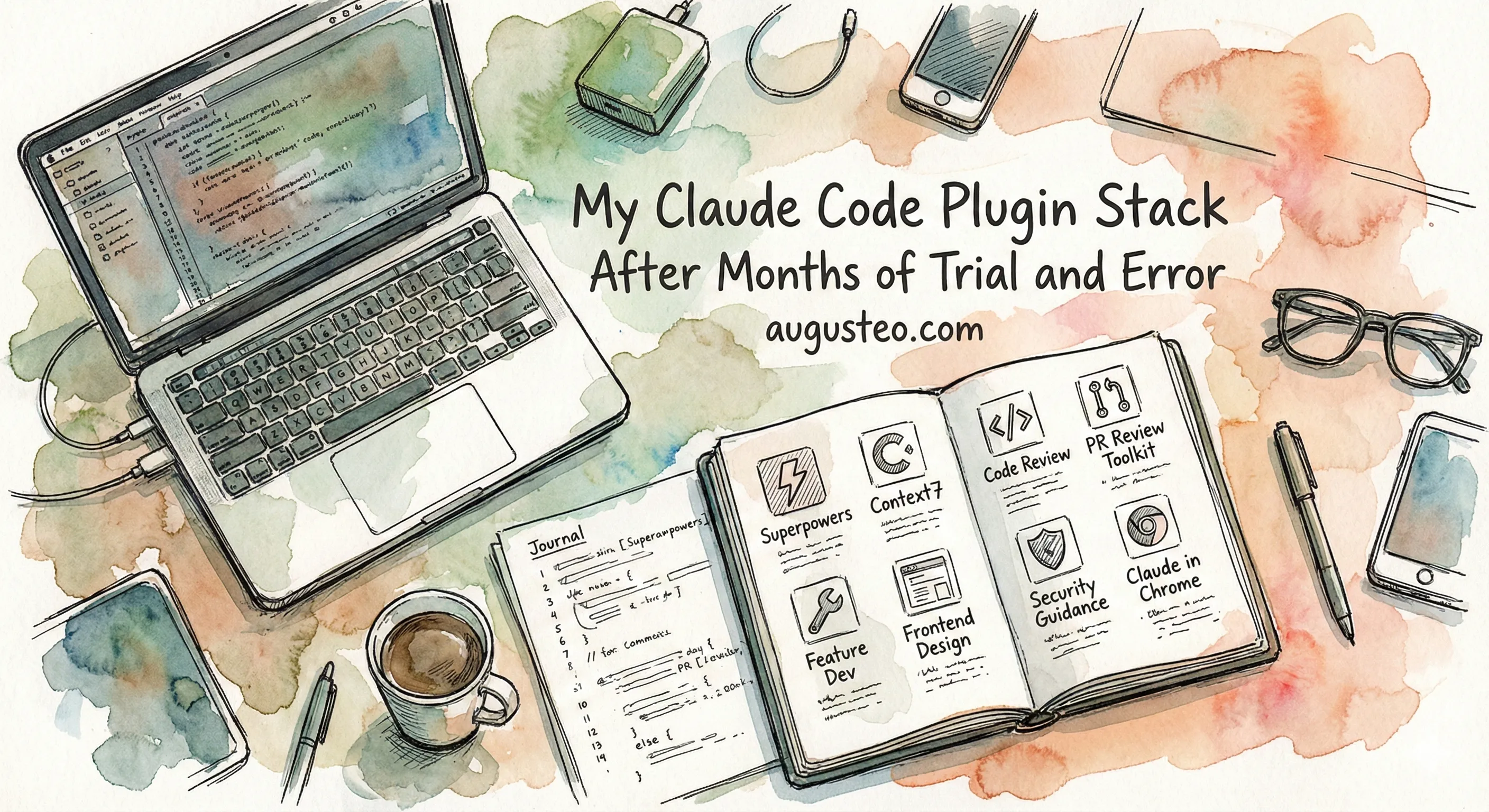
I use Claude Code every day. Here’s my full plugin stack, nothing hidden.
I only install from the official Anthropic plugin store. No community marketplaces. No random GitHub repos. It took months of trial and error to get here.
Why Official Only
Two reasons: simplicity and security.
I don’t think you need 20 fancy plugins to ship working software. The official store has enough to cover my entire workflow. That’s it. That’s the simplicity argument.
The security argument is scarier.
Snyk published their ToxicSkills study in early 2026. They scanned 3,984 skills from community marketplaces. The findings: 13.4% contain critical security issues (malware, prompt injection, exposed secrets). Over a third of the ecosystem (36.82%) has at least one flaw. They found 1,467 malicious payloads total.
The barrier to publish a skill on community marketplaces? A markdown file and a GitHub account that’s one week old. No code signing. No security review. No sandbox by default.
PromptArmor took it further and demonstrated how attackers can hijack Claude Code through injected marketplace plugins. The attack uses prompt injection to make Claude run curl commands that exfiltrate your codebase. Malicious hooks can bypass the human approval step entirely.
SentinelOne showed that marketplace skills can force Claude to install malicious dependencies without you knowing.
The official store is curated by Anthropic. Third-party plugins go through a review process before they’re accepted. That’s the trust baseline I’m comfortable with.
The Stack
Seven plugins and one MCP server. Here’s what each one does and why it’s in my stack.
Superpowers
This is the backbone. Created by Jesse Vincent, it’s a skills framework that teaches Claude to actually think before it codes.
The skills I use most:
- Brainstorming asks a ton of questions before you write any code. Depending on the task, it’ll dig into requirements, edge cases, and alternatives you haven’t considered.
- Planning creates structured implementation plans that you review before execution. No surprises.
- Code review catches issues before they ship. I pair this with the security-guidance plugin (more on that below).
- Skill creation helps you write new skills for Claude Code. I’ve used it to build custom workflows for my blog writing process.
The whole philosophy is: stop and think before you code. It’s the opposite of just letting Claude rip through your codebase unsupervised.
Context7
This one solves a real problem. LLMs hallucinate APIs. They suggest functions that don’t exist, use deprecated patterns, or mix up versions. Context7 pulls up-to-date documentation straight from source repos and injects it into your prompts.
I use it constantly. Astro when building my blog, Bun, uv, Remix, Rails. Without it, Claude will confidently suggest APIs that were deprecated two versions ago. Context7 makes sure Claude has the right docs.
The llms.txt standard is getting better at this problem too. Over 844,000 websites have adopted it, and platforms like Mintlify now generate llms.txt automatically. But adoption isn’t universal yet. Not every library has jumped on board. Context7 fills that gap.
Code Review
I use this for reviewing my own work before committing. It runs multiple review agents in parallel (checking for bugs, style, CLAUDE.md compliance) and gives confidence scores so you can focus on what actually matters.
PR Review Toolkit
I use this for reviewing other people’s PRs on GitHub. Six specialized agents that each focus on a different aspect: code quality, test coverage, error handling, type design, comments, and code simplification.
The split is simple. Code Review for my code. PR Review Toolkit for everyone else’s.
Feature Dev
Guided feature development with a 7-phase workflow: discovery, exploration, questions, architecture, implementation, review, summary. Sounds like a lot, but it forces Claude to understand the existing codebase before writing a single line.
I don’t use this for every feature. Small changes don’t need this much structure. But for anything non-trivial, it keeps things organized.
Frontend Design
This one surprised me. I expected it to generate generic-looking UI. Instead, it reads your existing design system (your CSS, tokens, component patterns) and designs new UI that actually fits. It explicitly avoids the “AI slop aesthetic” (overused Inter font, purple gradients, cookie-cutter components).
I use it even when I already have a bunch of existing UI. It respects what’s there and adjusts accordingly.
Security Guidance
Runs as a pre-tool hook. When Claude tries to write code with security issues (command injection, XSS, unsafe input handling), it blocks the edit and explains what’s wrong. You fix it on the next turn.
It pairs really well with superpowers’ code reviewer. Together they catch both security vulnerabilities and code quality issues.
Claude in Chrome (MCP)
This is the one that feels like magic. Claude controls a real Chrome browser to test your frontend.
Here’s how I use it: I change some backend logic in a Rails app that affects the frontend. Claude launches Chrome, navigates to the page, and verifies the UI looks right. I keep working on something else.
It’s not about catching extra bugs. It’s about automation. For backend developers who touch frontend, this is a huge time saver.
What I Tried and Dropped
I’ve tried pretty much everything in the official store. LSP plugins, Stripe, code-simplifier, and plenty of others. Most didn’t make the cut. Here are the notable ones.
Serena. Opens a browser window every single time you start Claude Code. There are multiple GitHub issues with people complaining about this. If you’re building a developer tool, don’t break the developer’s flow on startup. That’s DX 101.
Playwright. Redundant once I had Claude in Chrome. Same job, one less dependency.
Ralph Loop. This is the autonomous loop plugin. You give Claude a prompt and it runs in a loop until it declares “DONE.” No human in the loop. I’ve written before about why I don’t trust fully autonomous workflows. I want to manage the plan. I want to review the diffs. Ralph is for people who are comfortable letting Claude run wild. I’m not there yet.
What’s Next
This post is just the what. I’ll write a follow-up on the how (my actual daily workflow with these plugins). But if you’re getting started with Claude Code plugins, this is the stack I’d recommend.
Run /plugin in Claude Code. Go to the Discover tab. Start with superpowers and context7. Add the rest as you need them.
And stick to the official store. Your credentials will thank you.